Import
PDF, JPG, PNG, TXT, DOC/DOCX, RTF, ODT, Outlook MSG.
 Simple PDF
Simple PDF
PDFs, Outlook emails, Office documents, images, OCR, and organization — in one private place you host yourself.
Most tools only touch PDFs. Simple PDF covers the full document flow:
Outlook .msg with attachments, Word/RTF/ODT, scans, and images —
then merge, clean, OCR, redact, and export on your server.
Everything from import to export — privacy first.
PDF, JPG, PNG, TXT, DOC/DOCX, RTF, ODT, Outlook MSG.
Email body + attachments become pages in your queue.
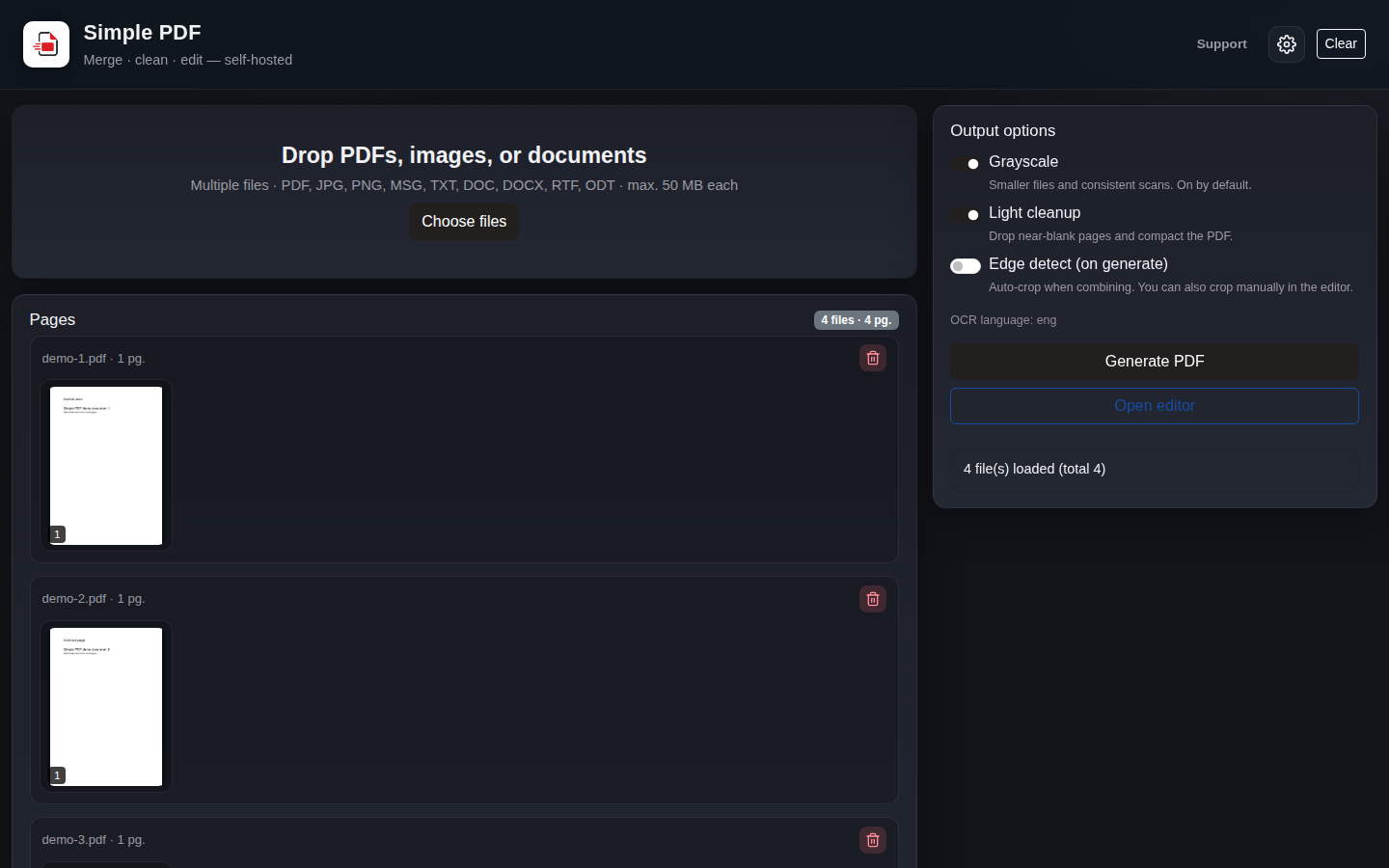
Drag & drop, reorder, merge mixed sources page by page.
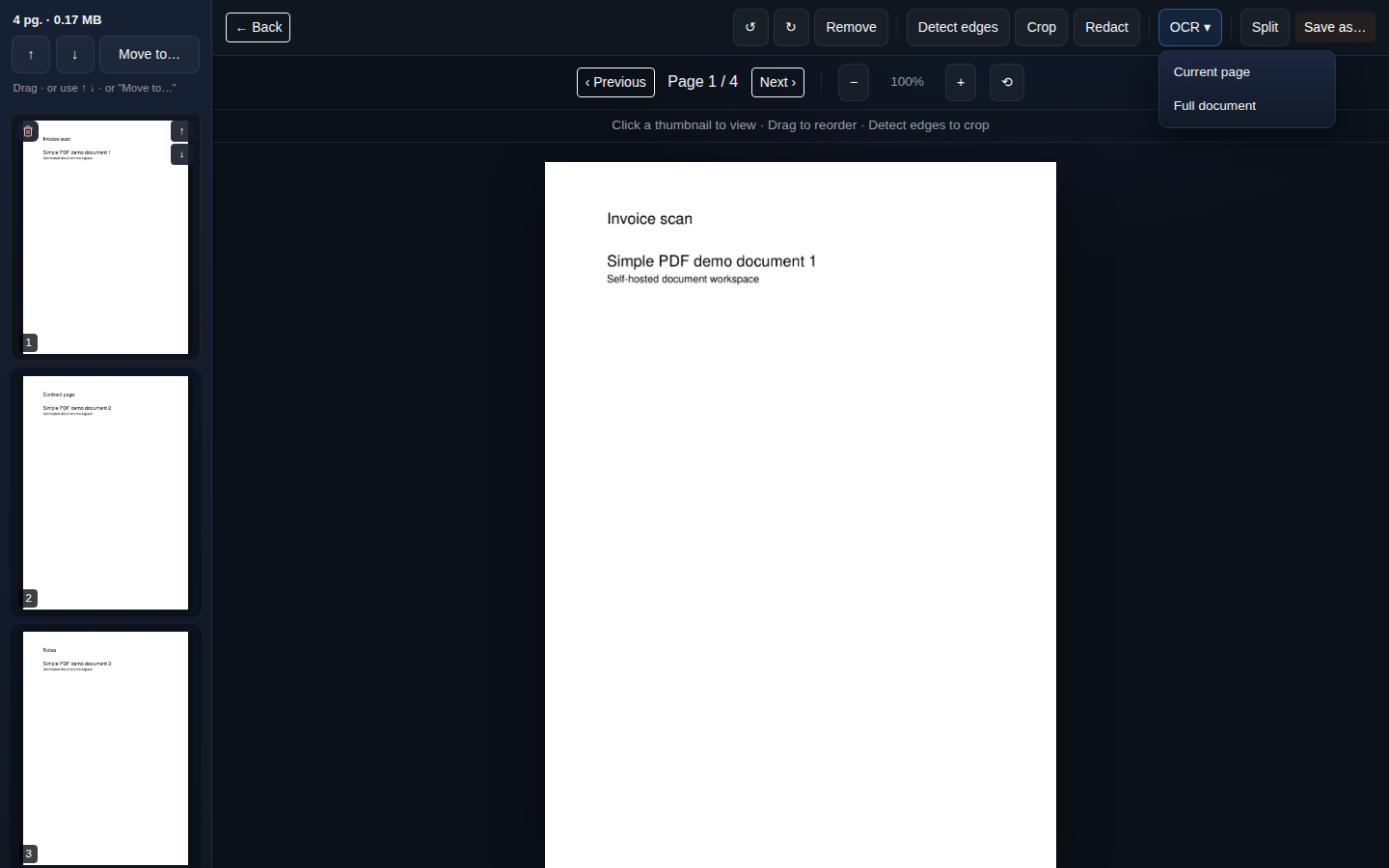
Rotate, crop, edge-detect, redact sensitive areas.
Searchable PDF with deskew; configurable language.
Grayscale, blank-page cleanup, compact output.
Merged PDF or split by ranges; download / Save As.
100% self-hosted. Files never leave your infrastructure.
Compose up → http://localhost:8080 in minutes.
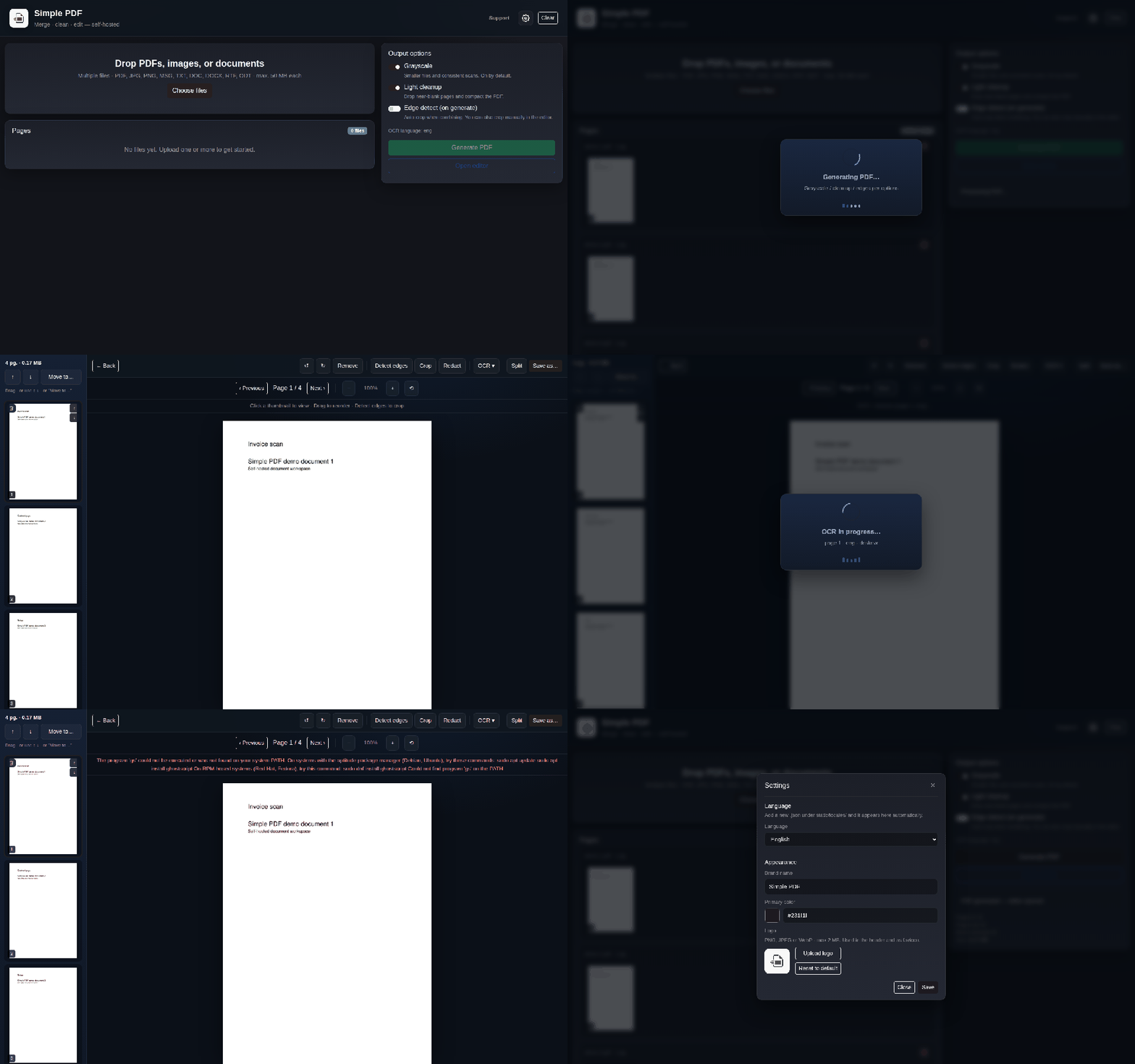
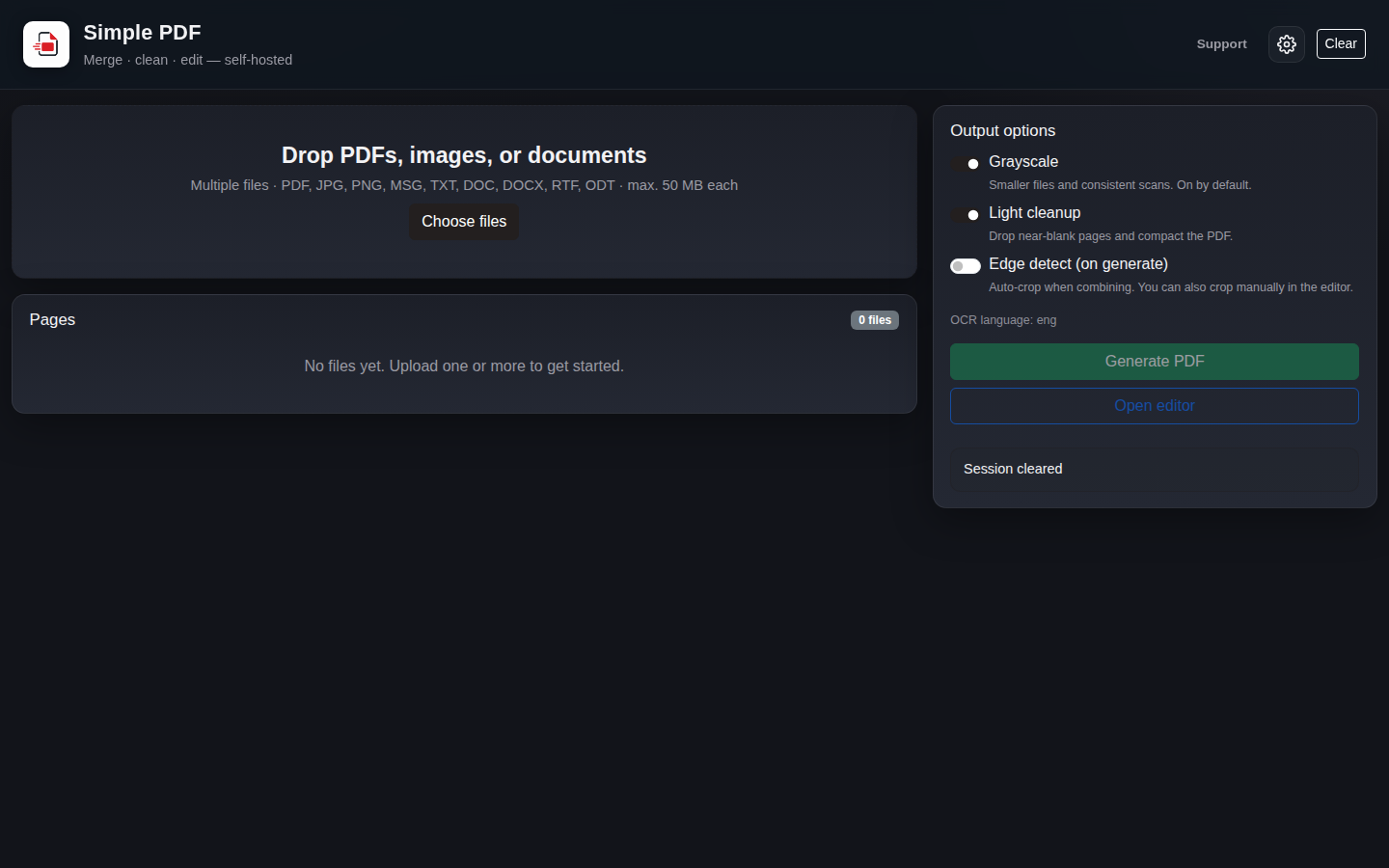
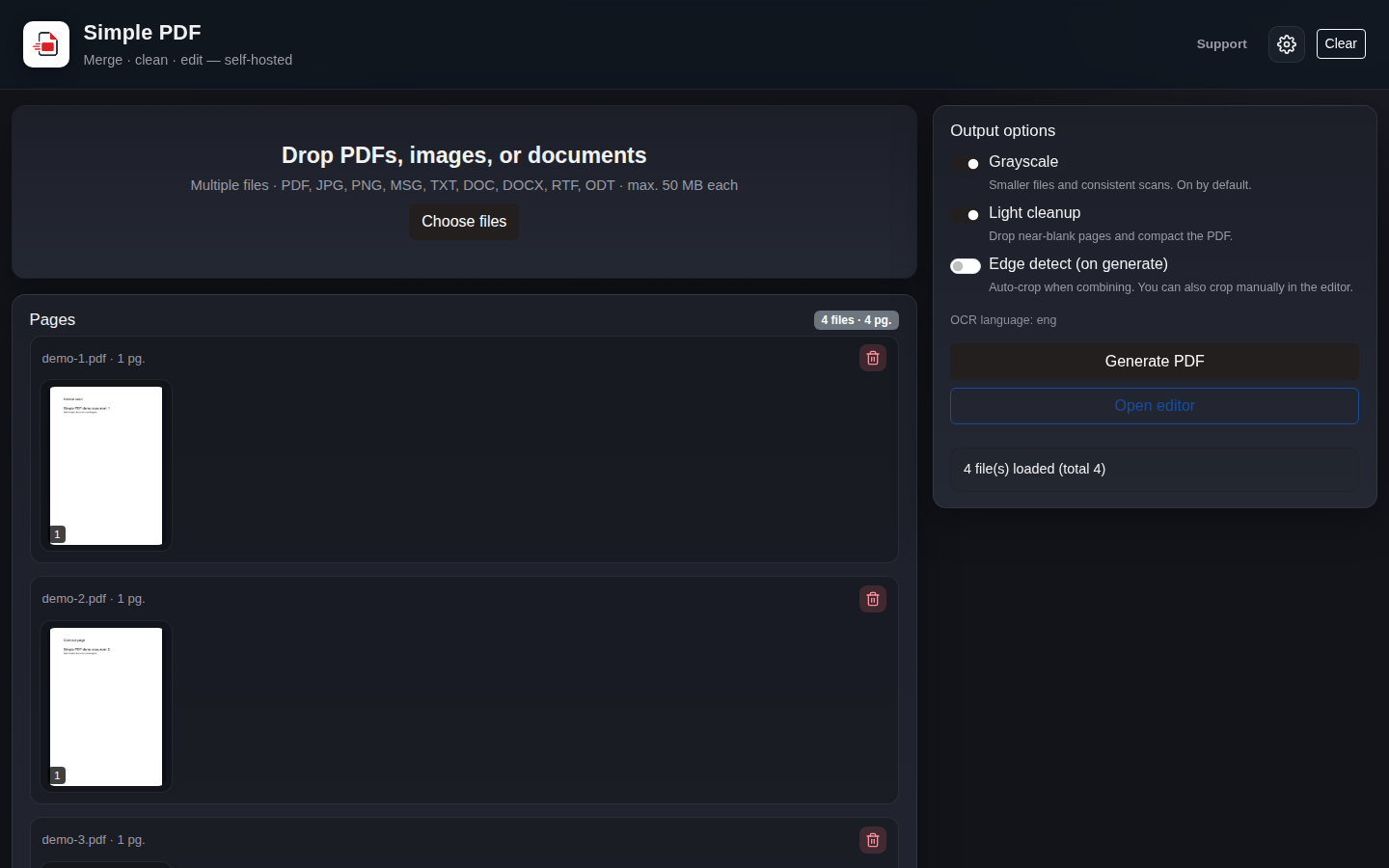
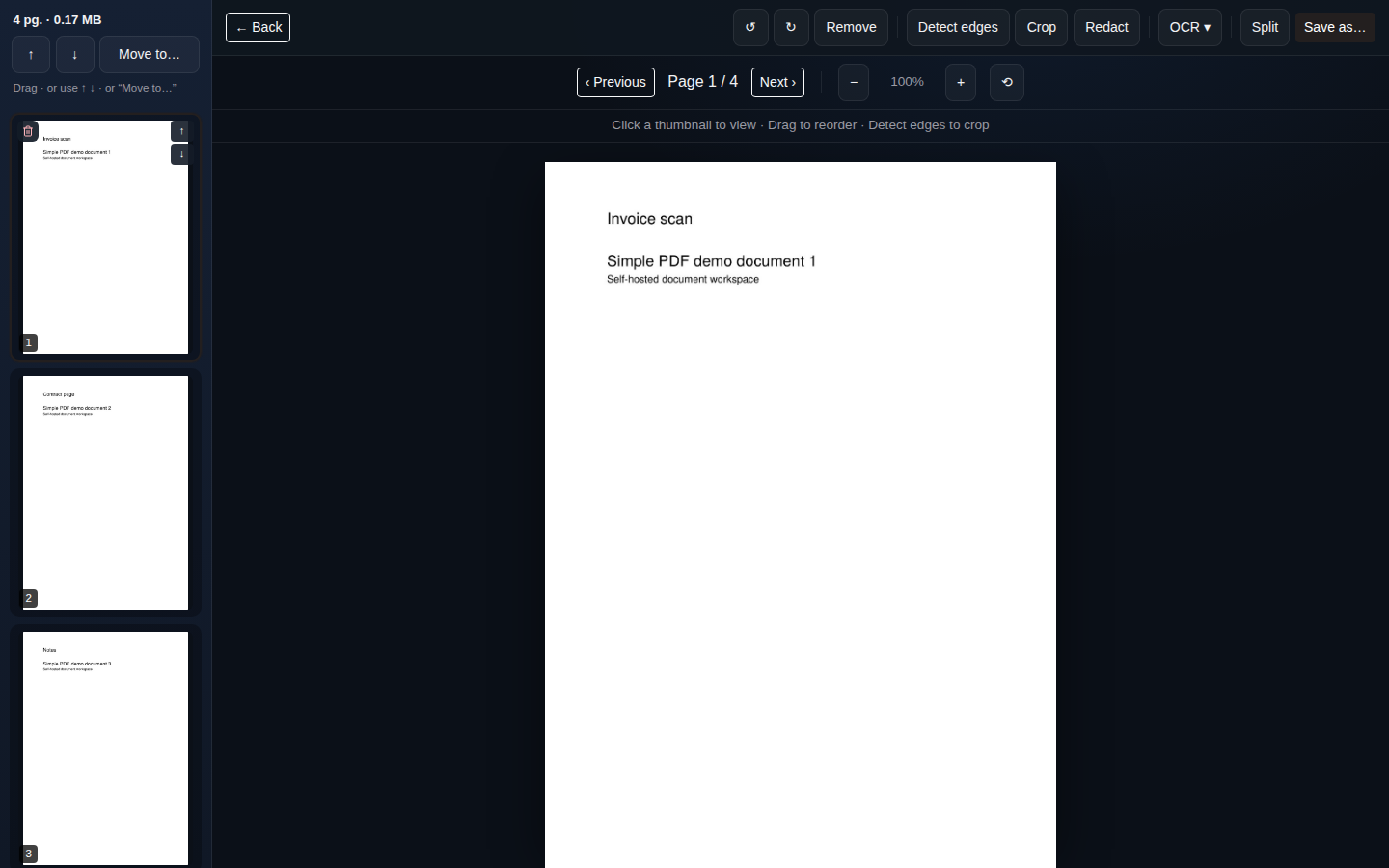
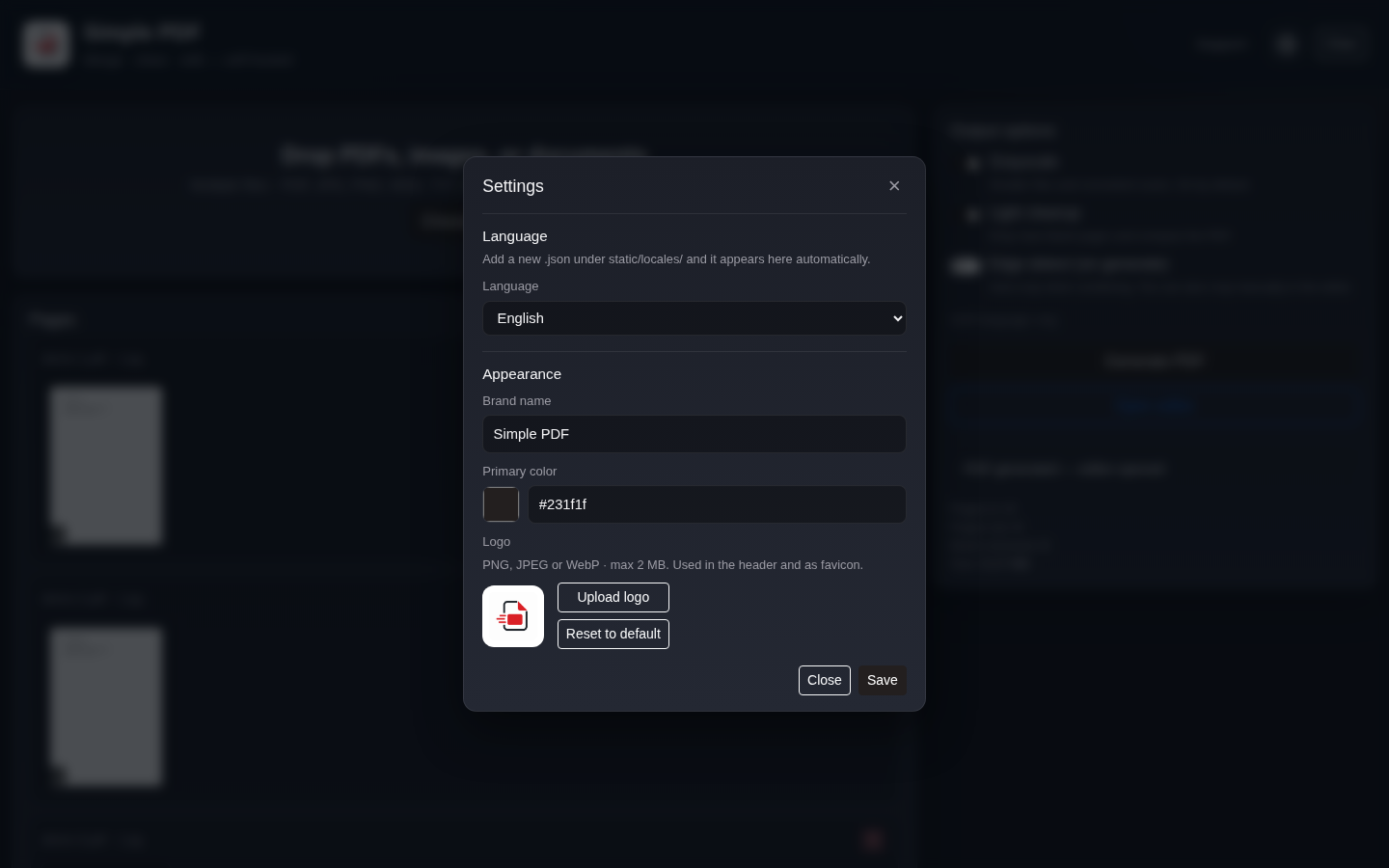
Dashboard, merge, editor, OCR, and settings.
Docker is recommended. Bare metal needs Python 3.12, Tesseract, and LibreOffice Writer.
git clone https://github.com/redmanxp/SimplePDF-OSS.git
cd SimplePDF-OSS
cp .env.example .env
Full guide: docs/INSTALL.md
docker compose up --build
# → http://localhost:8080
Optional live mounts: docker compose -f docker-compose.yml -f docker-compose.dev.yml up --build
If Simple PDF helps your organization, consider supporting development on Ko-fi. Use the Sponsor button on GitHub (linked to the same page).